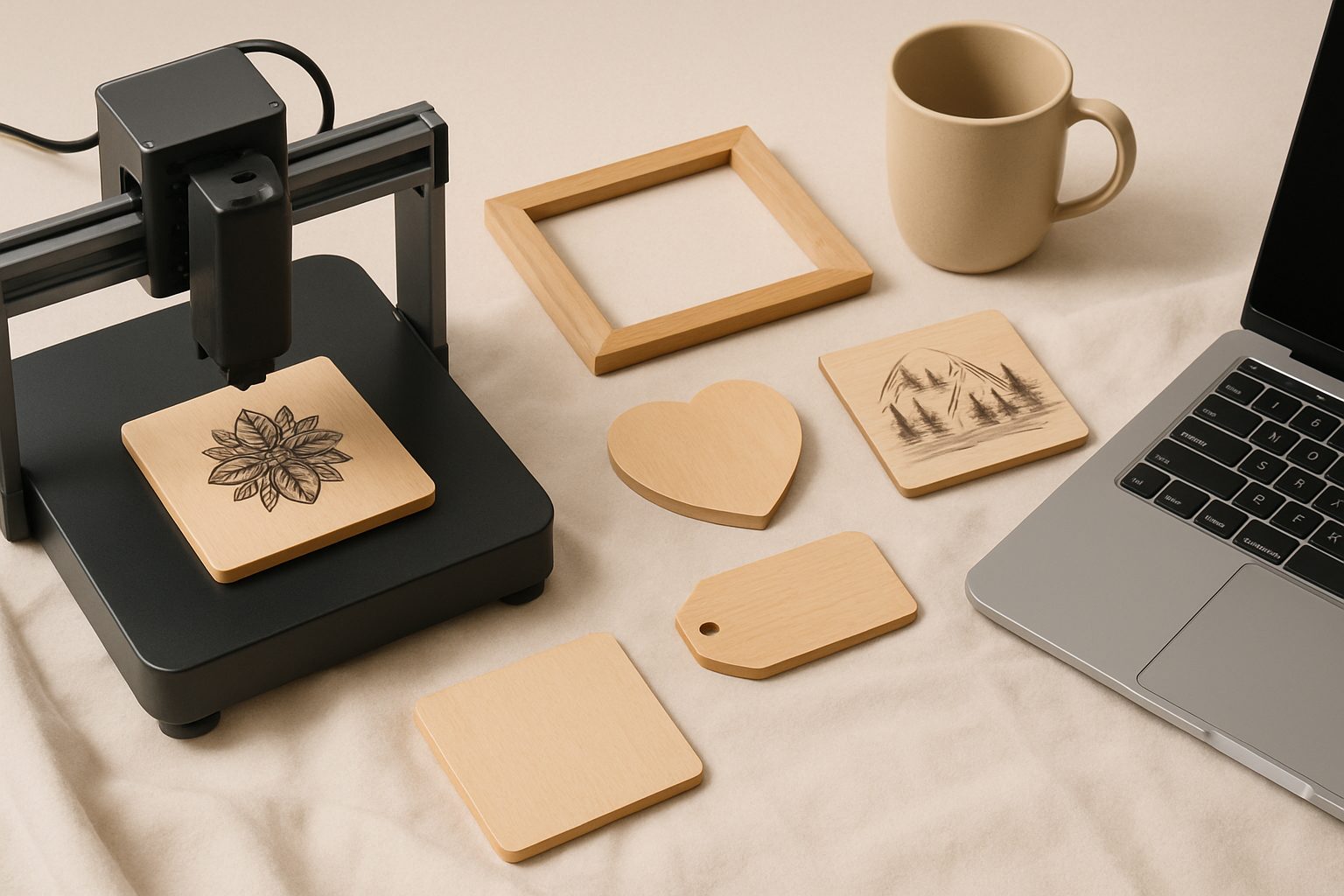
Best Laser Engraver for Personalised Gifts UK: Make & Sell Custom Keepsakes
If you're making bespoke gifts or running a gift side-hustle on Etsy, a laser engraver opens up serious commercial potential. The right machine lets you work across wood, acrylic, leather and more—turning blank products into saleable keepsakes in minutes. But buying your first engraver is a real commitment, and there's a lot of middling advice out there. Here's what actually matters when you're choosing equipment to make money.
The commercial advantage of multi-material capability
This is the single biggest filter for Etsy sellers. A machine that only does wood or acrylic limits your product range to maybe 30% of what customers ask for. The best engravers handle:
- Wood: boxes, signs, coasters, cutting boards, photo frames
- Acrylic: jewellery, desk tidy, light displays, mirror backing
- Leather: belts, watch straps, passport holders, luggage tags
- Anodised aluminium: badges, bottle openers, tech accessories
- Stone and slate: coasters, memorial plaques, decorative pieces
- Rubber and cork: stamps and trivets
That versatility matters for cash flow. One customer asks for an engraved wooden box; another needs acrylic signage; a third wants leather gift tags. If your machine can handle all three, you're taking three orders instead of turning two away.
The catch: cheaper CO₂ lasers struggle with darker materials, and not all can engrave anodised metal without specialist help. Fibre lasers are overkill for gifts (they're built for industrial marking) and cost three times the price. For personalised gifts at scale, a 40–50W CO₂ laser is the practical sweet spot.
What actually matters in the specs
Tube power and cutting depth: A 40W tube will engrave most materials in one pass and cut through 3–4mm wood cleanly. Go below 30W and you're doing slower passes, which means longer production times and more customer wait. Above 50W adds cost without enough benefit for this work.
Bed size: Look for at least 300 × 500mm working area. Smaller beds mean fewer items per run and awkward batch planning. You'll hit this limit sooner than you'd expect.
Software and camera: Decent engraver software (not the free stuff that ships with cheap machines) makes template work vastly faster. A built-in camera alignment system is genuinely useful when you're personalising the same item shapes repeatedly—it saves guessing on placement.
Cooling and ventilation: CO₂ tubes run hot. If you're not extracting fumes and heat, your garage becomes unbearable and the tube life drops sharply. Budget for an extractor fan separate from the machine cost; it's not optional.
Homing and autofocus: Machines that consistently find their zero point and auto-adjust for material thickness are worth the extra. You'll stop wasting stock on misaligned runs.
Rotary axis attachments—the upgrade that pays for itself
Once you've been running the machine for a couple of months, you'll hit the next bottleneck: cylindrical objects. Mugs, bottles, glasses, pens, cans. Rotary axes let you spin items under the beam, turning your flat-bed engraver into something that handles round products.
The commercial angle: personalised mugs and tumblers on Etsy consistently outsell static items. A rotary axis (usually £300–600) opens an entire product category. If you're doing gift runs or seasonal orders, customers will specifically ask for it. Buyers searching "personalised engraved mug" will find your listings.
Rotary attachments are plug-and-play on most machines. Don't let anyone tell you they're difficult to set up. You lose some working bed length because the cylinder replaces the flat surface, but the tradeoff is worth it for a gift business.
Common traps that kill profitability
Buying too cheap: A sub-£1000 engraver will work, but the learning curve is punishing—unreliable autofocus, flaky software, frequent tube issues. You'll waste material and time troubleshooting when you should be taking orders.
Underestimating running costs: CO₂ tubes last about 2000–3000 hours. At £200–300 per replacement and typical daily use, that's a real line item. Factor it into pricing. Mirrors and lenses need cleaning regularly too.
Not setting up extraction properly: Running an engraver without proper ventilation kills the tube faster and makes the room unusable. This is a prerequisite, not an optional extra.
Making everything from scratch: The real money is in personalisation of blank products, not carving bespoke designs into random bits of wood. Buy 50 wooden boxes wholesale and engrave names on them. Buy acrylic blanks from craft suppliers. You're an engraver, not a carpenter.
Getting your first projects right
Start with low-complexity items: wooden boxes with initials, acrylic plaques with dates, leather gift tags with names. These teach you material behaviour, speed, and pricing without eating stock.
Run a test batch on each material you plan to stock—wood, acrylic, leather—and keep notes on power settings, speed, and quality. These notes become your profit margin as you get faster.
If you're serious about scaling this into a genuine business rather than a hobby, read about pricing and positioning a gift-personalisation side business. Engraver cost is the smallest part of making this work; knowing what to charge and who to sell to is everything.
The machine itself is just the tool. The real bottleneck is deciding what to make, sourcing blanks reliably, and getting customers. Choose an engraver with multi-material capability and a rotary axis option, and you've given yourself the platform to test ideas and scale whichever ones work.
More options
- xTool D1 Pro Diode Laser Engraver (Amazon UK)
- Sculpfun S30 Pro Laser Engraver (Amazon UK)
- Atomstack A20 Pro Laser Engraver (Amazon UK)
- Laser Engraver Safety Goggles (OD6+) (Amazon UK)
- Laser Engraver Air Purifier / Fume Extractor (Amazon UK)