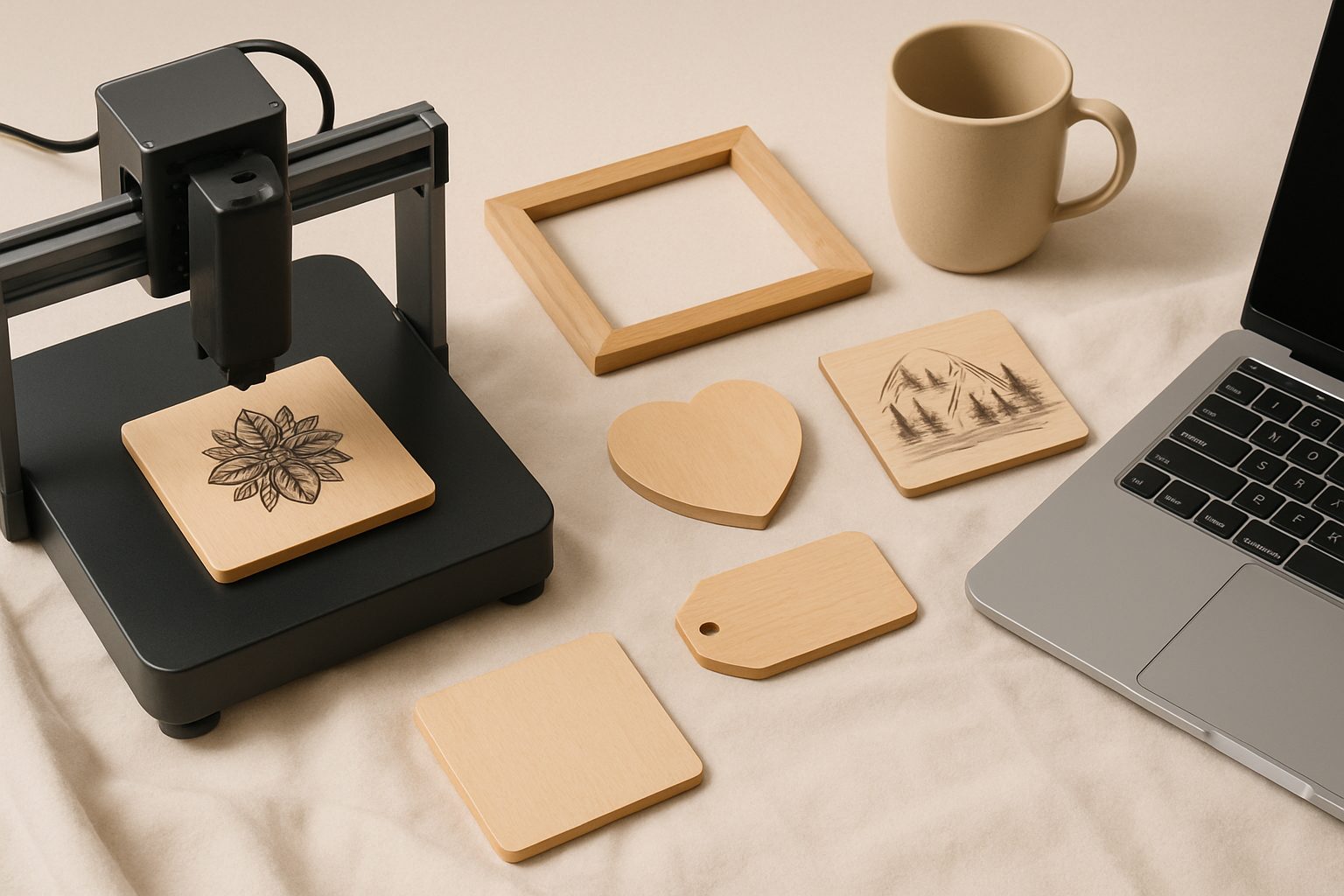
Atomstack A20 Pro Review UK: Quad-Laser Power for Serious Makers
The Atomstack A20 Pro lands in an interesting spot: it's powerful enough for small-business engraving work, affordable enough that you won't need a business loan, and designed with offline operation—crucial if your workshop has temperamental WiFi. The quad 5W diode array hitting 20W total output puts it ahead of single-head competitors at similar price points. For makers treating laser engraving as something beyond a hobby, this machine deserves a closer look.
What Makes the Quad-Laser Design Matter
Four separate 5W diodes working in parallel sounds like marketing speak until you understand the practical difference. A single 20W laser concentrates all power into one beam, which works well for cutting and deep engraving but can produce uneven heat distribution on certain materials. Four smaller beams spread the work, which means more consistent results on wood grain, reduced scorching on acrylic edges, and—importantly for production work—cooler operating temperatures on the machine itself.
You'll notice this most on intricate designs. Light vectors engrave more cleanly, and material that sits on the edge of the cutting zone behaves more predictably. It's not revolutionary, but it's the kind of detail that saves you reprinting custom orders because the scorching looked wrong.
The 400×600mm Workspace
This is where the A20 Pro genuinely competes with machines twice the price. A 400mm depth and 600mm width gives you serious production flexibility. You can run batch engraving on gift items—slate coasters, wooden boxes, anodised aluminium pen blanks—without constant repositioning. For small-business makers, workspace efficiency directly affects throughput, and the A20 Pro doesn't shortchange you here.
The passthrough slot on the side lets you feed endless material (ribbon, thin strip leather, vinyl) in one end and out the other. Useful if you're doing repeat production on specific items. It's a deliberate feature for business users, not an afterthought.
Offline Control: The Underrated Feature
Most affordable lasers live tethered to a USB cable or demand a stable WiFi connection. The A20 Pro runs an offline control panel—a small touchscreen on the machine itself that doesn't need your computer present. You load designs via USB drive, press start, and the machine works independently. That's invaluable in a busy workshop where you're juggling multiple projects, checking other equipment, or packing orders while the laser runs.
This approach also removes a class of failure modes. WiFi dropouts won't interrupt mid-job. Your laptop dying won't halt production. For commercial work, that reliability margin matters more than it sounds.
Material Compatibility and Practical Limits
The A20 Pro handles the standard range: wood (hardwood cuts cleanly; plywood edges need attention to charring), acrylic (cuts and engraves beautifully), leather (works well), anodised aluminium, and stainless steel (engraving only—cutting requires higher power). Avoid PVC and vinyl chloride (releases chlorine gas; dangerous).
For serious production, know that cutting through 6mm hardwood is reliable, but clean cuts on 8mm require power management and slow feed speeds. Engraving on stone and ceramics works but demands patience. You're not going to win awards for cutting speed compared to CO₂ tubes, but the diode array handles detail work that would be frustrating on weaker machines.
Mirrors need regular cleaning, and beam alignment is something you'll do monthly with moderate use. It's not difficult, but it's not a "never touch it" machine either.
Software and User Experience
Atomstack supplies LightBurn compatibility (third-party software, £40-60 one-time purchase, excellent UI). Their own software is functional but basic. If you're moving from another system, LightBurn's learning curve is shallow, and the community support is genuinely helpful.
The autofocus camera is handy for positioning but not revolutionary. Manual focus remains your backup, which is fine—you'll develop the habit quickly.
Performance Breakdown: The Honest Picture
Strengths:
- Consistent engraving quality on detail work, thanks to the quad setup
- Offline operation removes workflow friction
- Large bed for batch work
- Reasonable price for the power output and build quality
Weaknesses:
- Slower cutting than equivalent CO₂ systems
- Requires more frequent maintenance than diode lasers marketed as "set and forget"
- Not suitable for cutting materials thicker than 8mm unless you have time to spare
- The learning curve on focus and power settings is gentler than CO₂, but diode lasers demand more precision than some users expect
Who Should Actually Buy This
You're the right customer if you're running small-batch engraving work—personalised gifts, corporate branding, bespoke orders—and you value reliability over raw speed. If you're a sign maker cutting sheet material all day, this isn't your machine. If you're an artist engraving custom pieces at a pace that suits perfection, this works well. If you're starting an Etsy side business and need something that won't frustrate you during learning, the A20 Pro is solid.
The offline control is the deciding factor for many workshop users. You can load a design and start another task without hovering over the machine.
Conclusion
The Atomstack A20 Pro is a capable, no-nonsense machine for makers who've moved beyond hobby-level work. The quad-laser system isn't gimmickry; it makes a practical difference on detail work. The workspace and offline operation are genuinely thoughtful features for production environments. It won't beat specialist equipment at niche tasks, but as a general-purpose engraver for small-business use, it delivers solid value for under £500, which puts it well ahead of most single-diode alternatives at that price.
If you're deciding between this and cheaper single-laser options, the consistency and workspace gain matter more than the marketing claims suggest. If you're deciding between this and high-end CO₂ systems, accept that you're trading speed for flexibility, footprint, and simplicity—which is the right trade for many users.
More options
- xTool D1 Pro Diode Laser Engraver (Amazon UK)
- Sculpfun S30 Pro Laser Engraver (Amazon UK)
- Atomstack A20 Pro Laser Engraver (Amazon UK)
- Laser Engraver Safety Goggles (OD6+) (Amazon UK)
- Laser Engraver Air Purifier / Fume Extractor (Amazon UK)